
Workplace
Mobile Device Management
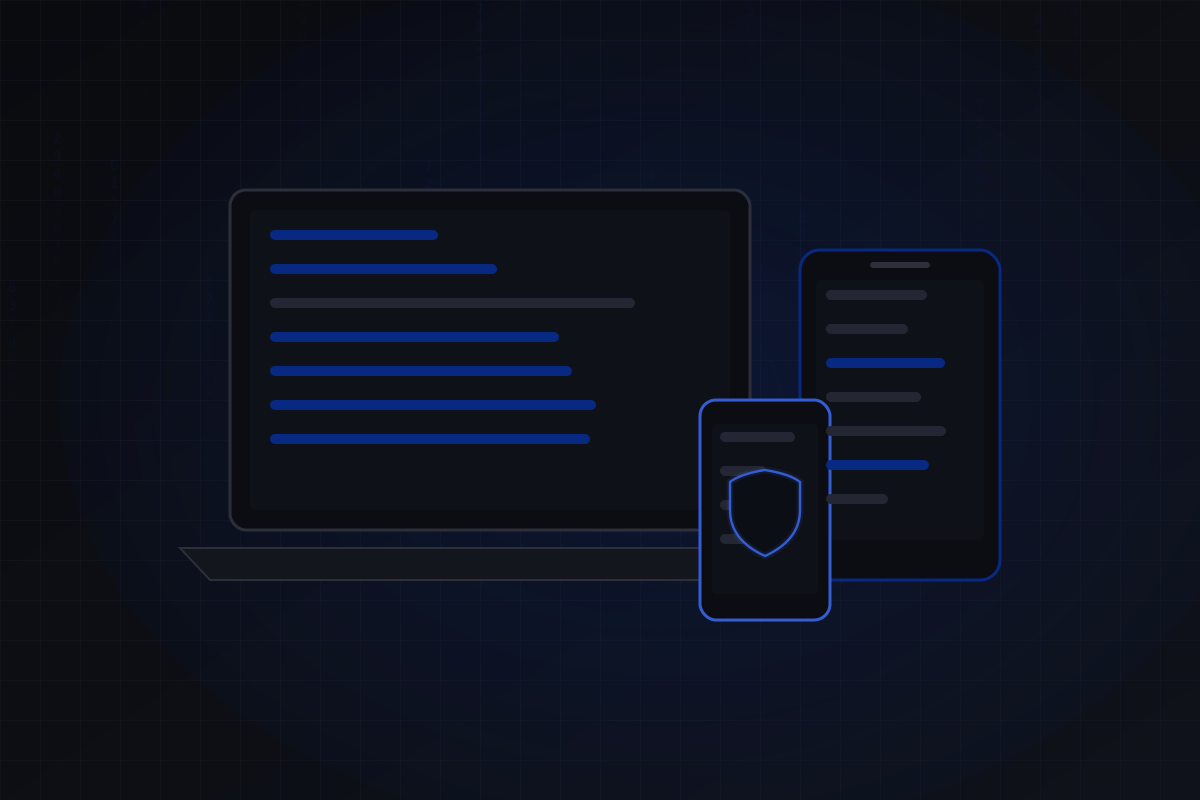
Smartphones and tablets are set up centrally before handover and stay under central management until they are returned.
Scope of services
Lost, not exposed.
Passcode, encryption and approved apps are set through a central policy rather than device by device. If a device is lost, it can be locked or wiped remotely.
- Central setup before handover
- Policies for passcode, encryption and updates
- App distribution and management
- Remote lock and wipe in case of loss
Process
How it works.
01
Policies
Passcode, encryption, updates and permitted apps are defined.
02
Enrolment
Company devices and devices already in use are enrolled.
03
Apps
Required apps are distributed centrally and kept up to date.
04
Operation
New devices, updates and lost devices are handled on an ongoing basis.
Benefits
What you gain.
Protection if lost
Devices can be locked and wiped remotely.
Fast setup
New devices are ready to use as soon as they are switched on.
Consistent rules
All devices meet the same security requirements.
FAQ
Good to know.
Which devices are supported?
Smartphones and tablets running iOS/iPadOS and Android.
What happens if a device is lost?
It can be locked or fully wiped remotely, so company data doesn’t fall into the wrong hands.
Can existing devices be enrolled?
Yes, devices already in use can also be enrolled afterwards.
Related
Related services
Next step
Let's talk about your IT.
A first conversation clarifies the starting point and possible next steps.